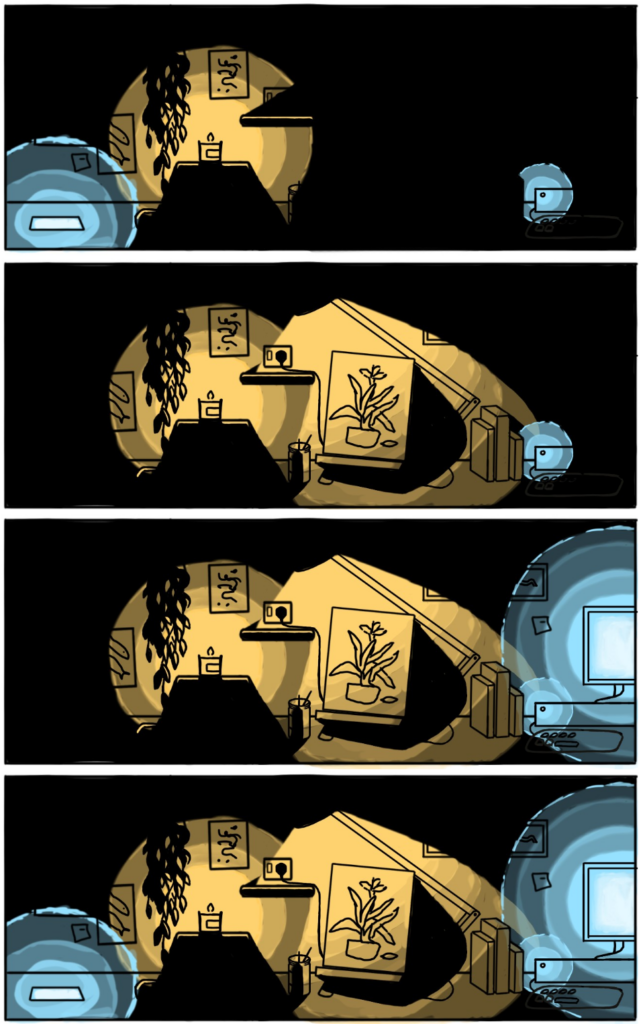
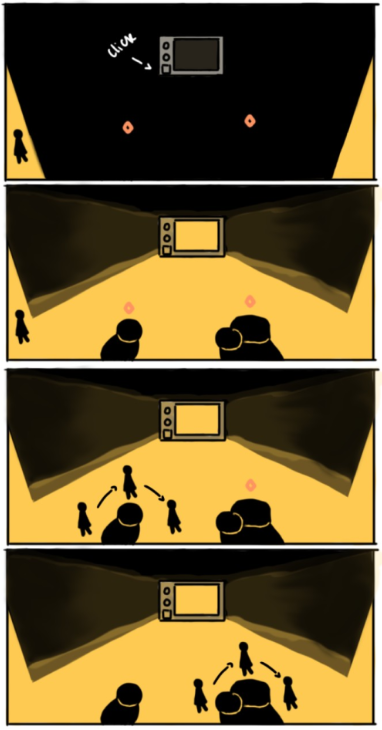
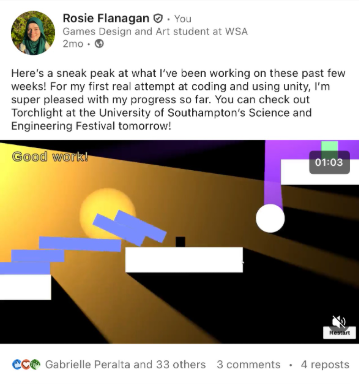
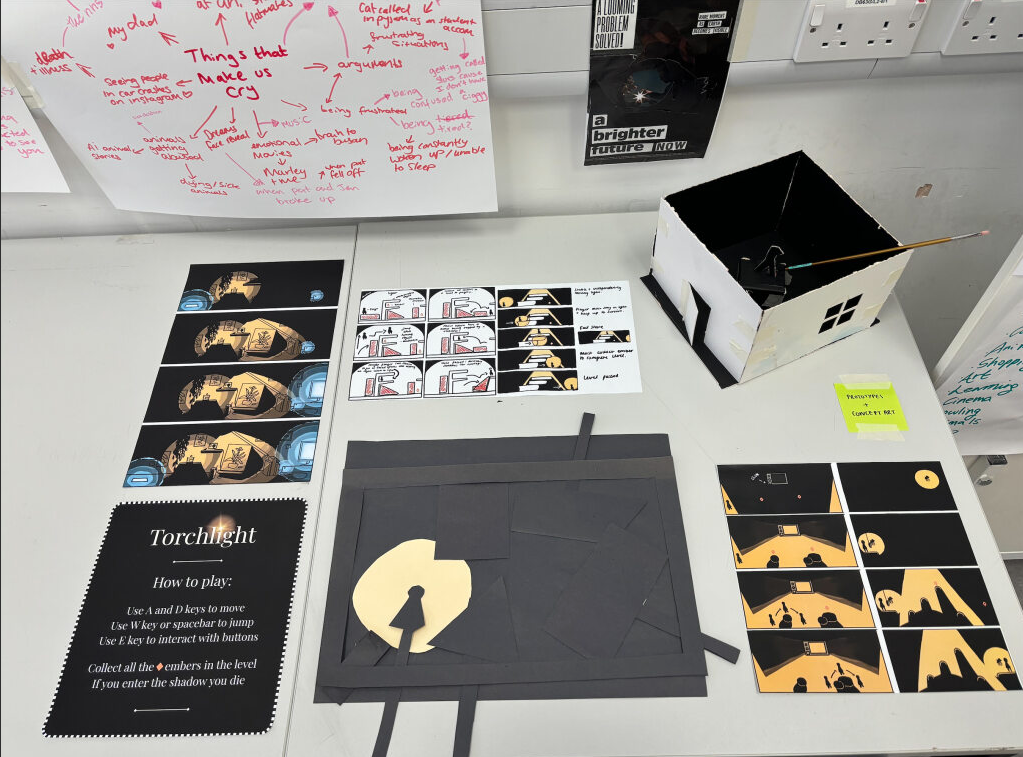
The game changed A lot from start to finish. Initially I was just using triangles and squares as light and shadow before learning how to use 2d lighting in unity.
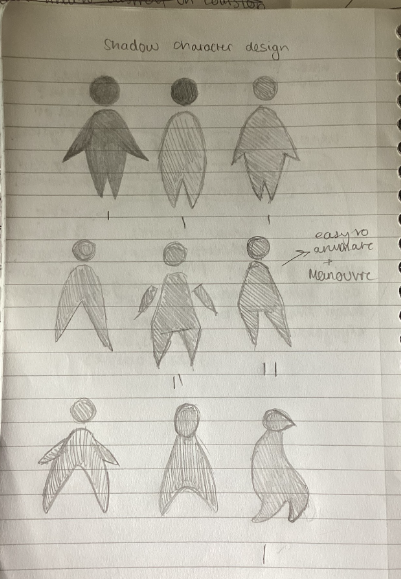
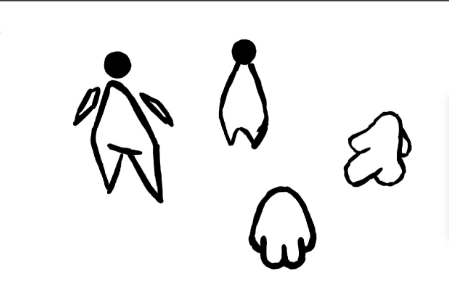
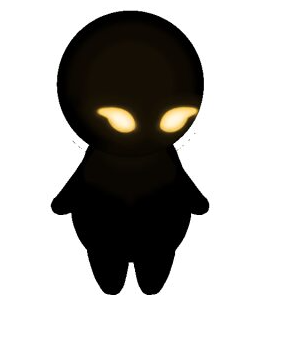
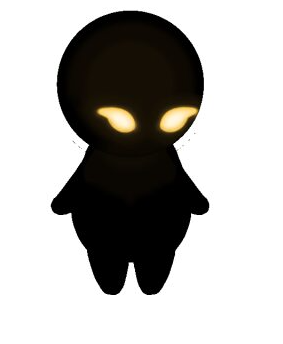
Designing the player sprite
I asked other students to vote on their favourite design. Initially I preferred the armless design, but ended up adding arms as they looked good with the animations and helped give the sprite more character in their movements. Other students also recommended I gave the shadow glowing eyes so it would be easy to see when they fell into the shadow, or peeked out from the light.
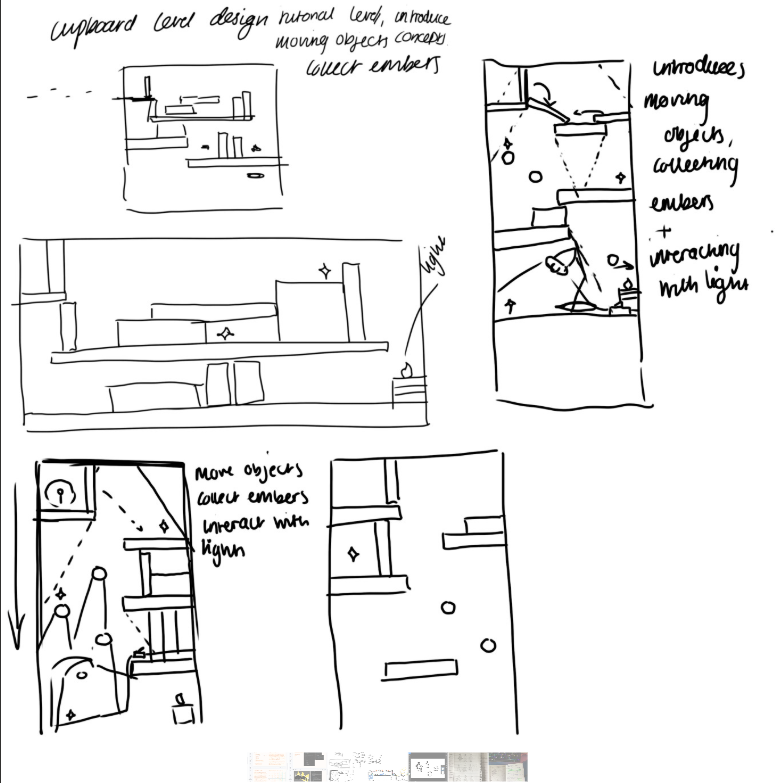
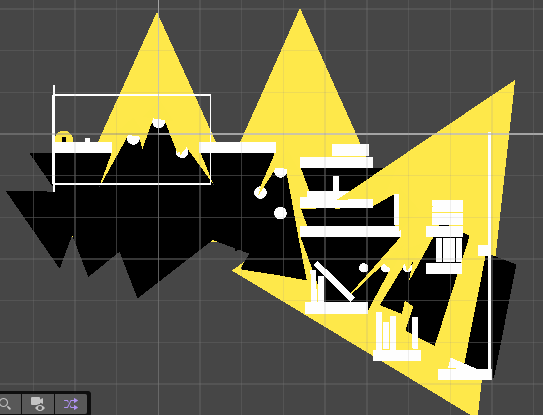
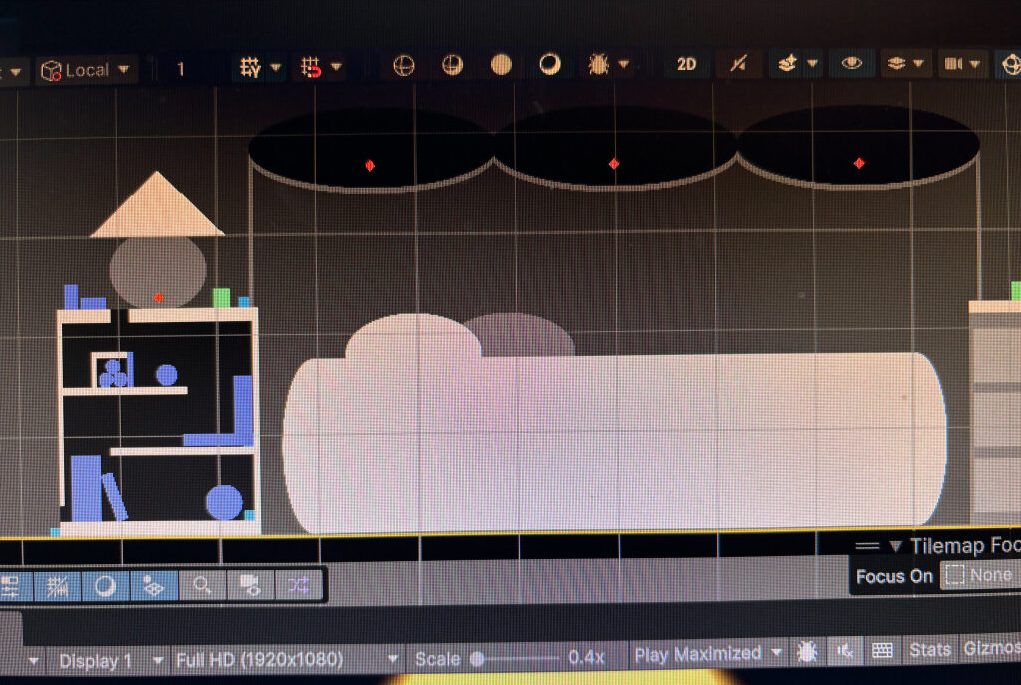
Designing level 2
This design went through several iterations to ensure it worked well with the mechanics I had developed in level 1. At the start I planned to have drawers for the player to pull out and use to climb, but due to the 2D limitations I had to change this, instead taking inspiration from a prototype I made last term.
I wanted to make sure to include the moving light in this level, to show what a more developed version of the game could include. I also decided to introduce bounciness as I think It gave some respite from the more complex puzzles.
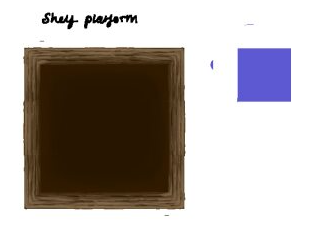
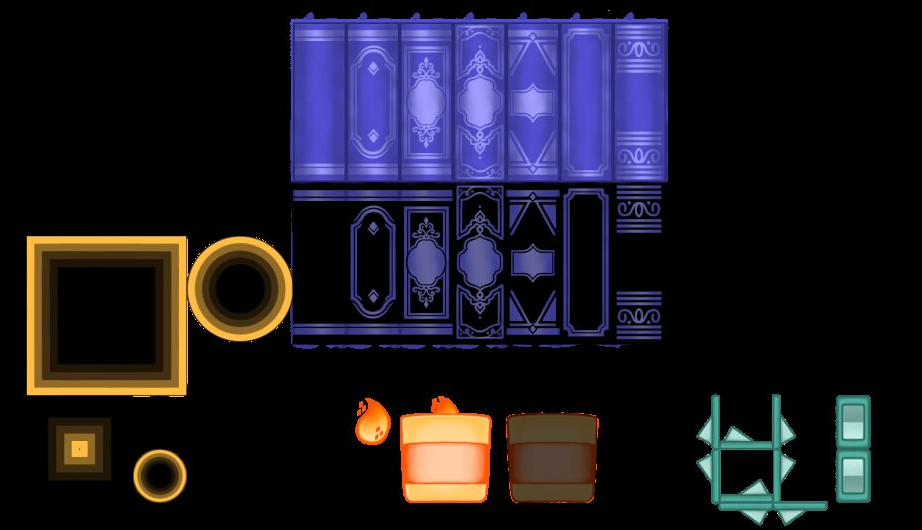
Designing platform assets
I drew several different versions of the platforms before I realised the simplest and most effective way was to just use yellow and black sprites and layer them. This reduced visual complexity and helps guide the player on the correct path.
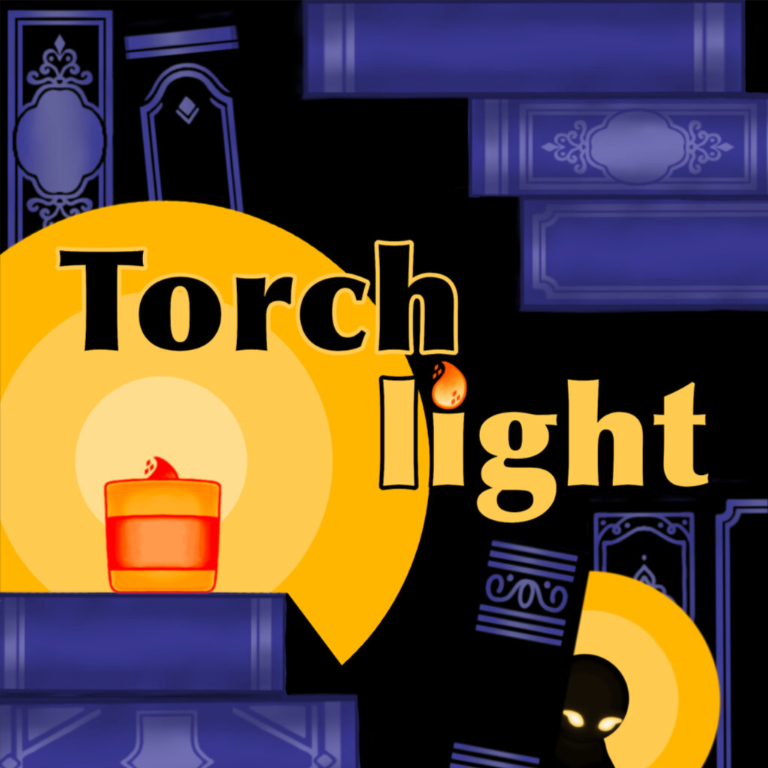
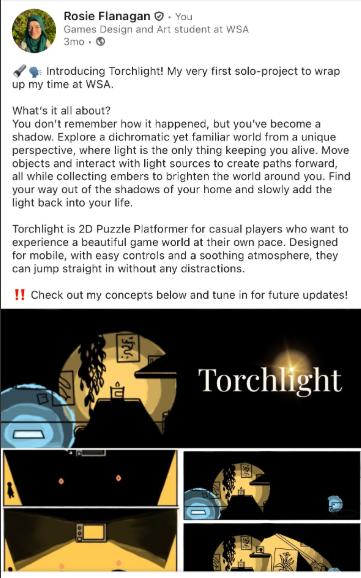
Designing Title screens
·‿︵★︵‿·
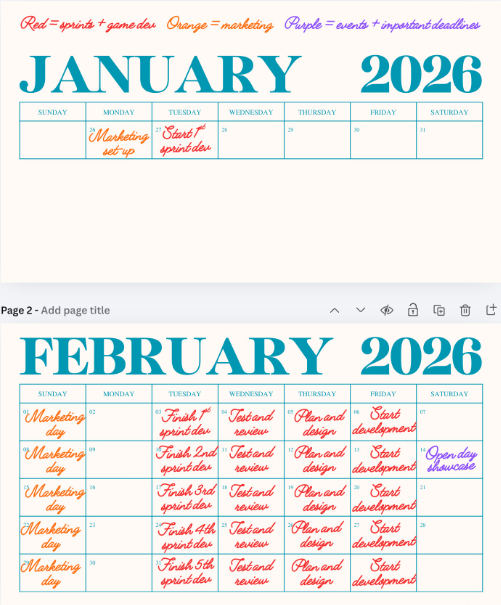
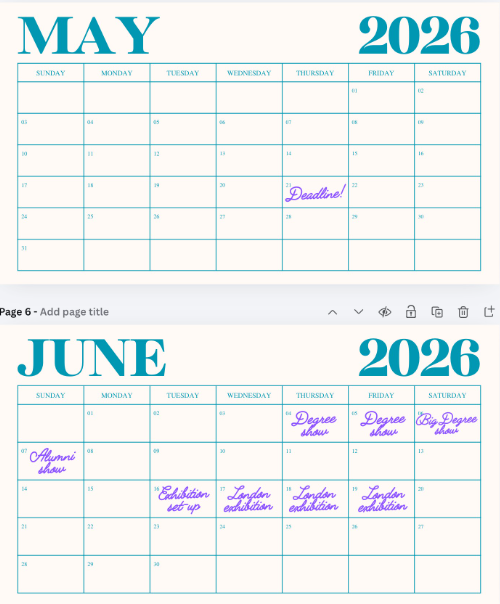
Part 2 – Project planning
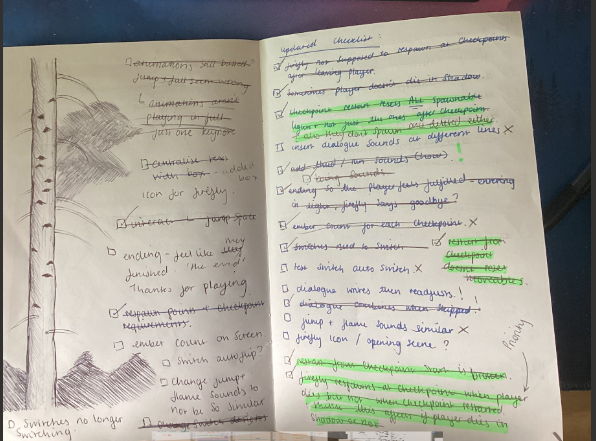
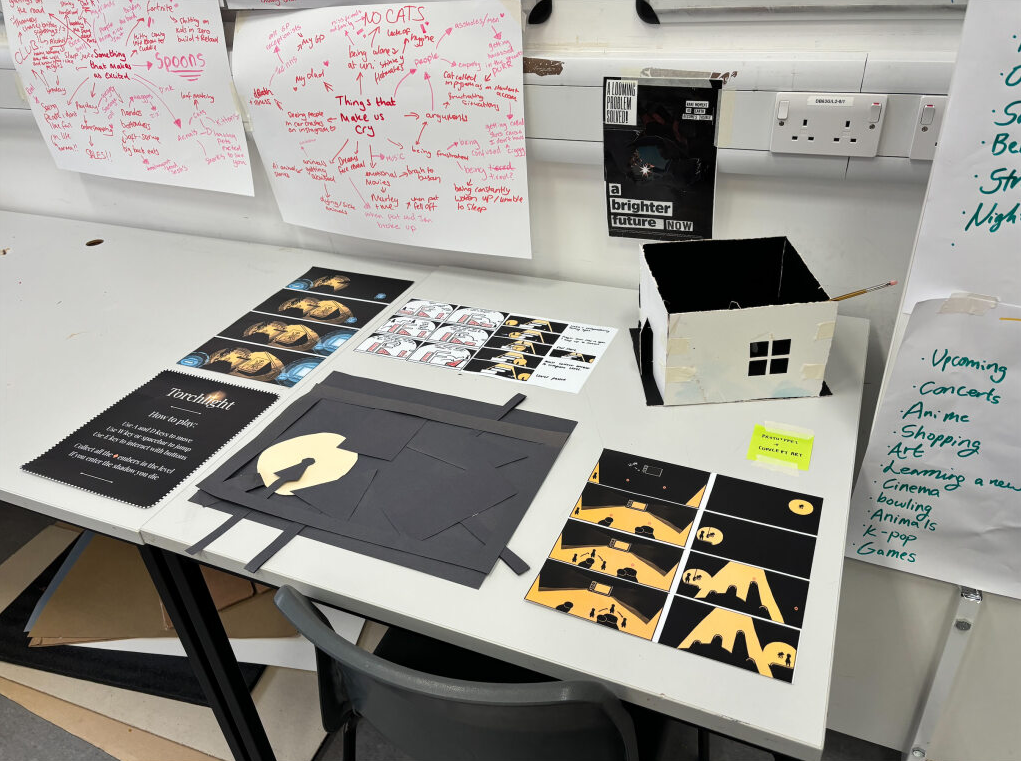
This plan changed a lot during development. I used a kanban framework to help me visualise my tasks each week, and kept notes on my phone for important tasks. I also used a notebook towards the end to make sure everything was accounted for.
·‿︵★︵‿·
Part 3 – Marketing
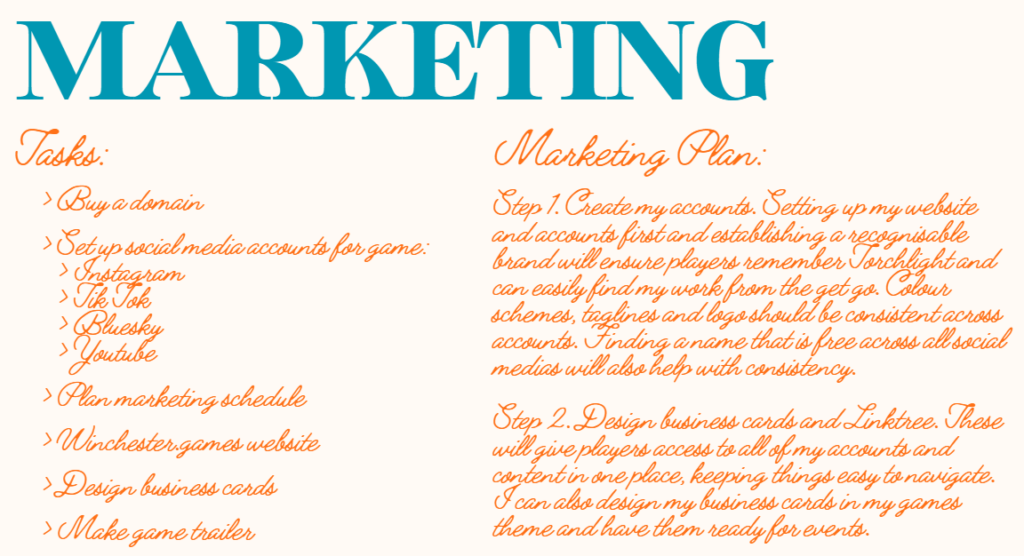
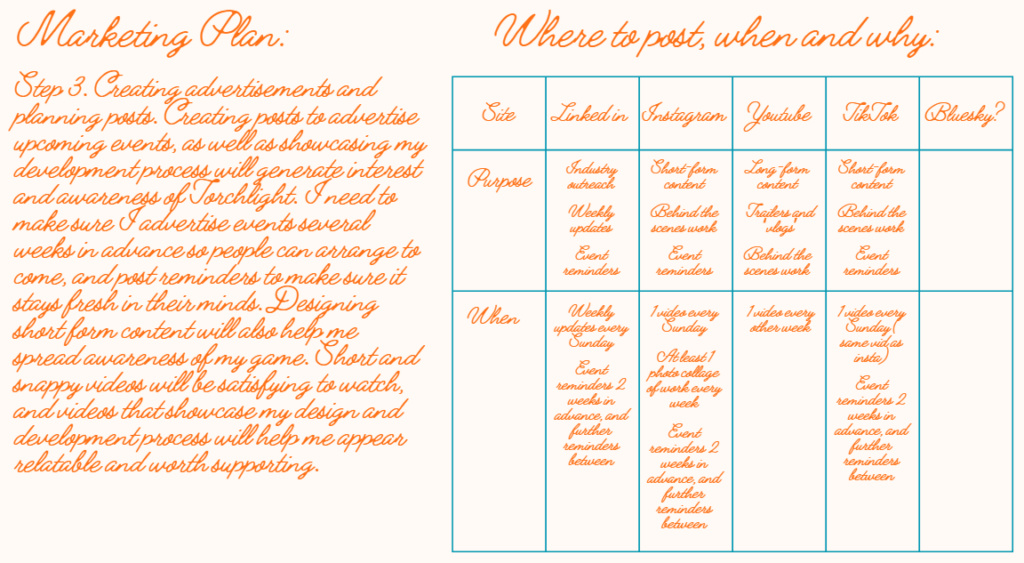
My marketing plan was quite thorough to begin with, and I struggled to keep on top of it. Eventually I decided to prioritise in-person marketing and Linked-In posts, as these would be more likely to target others in the games industry.
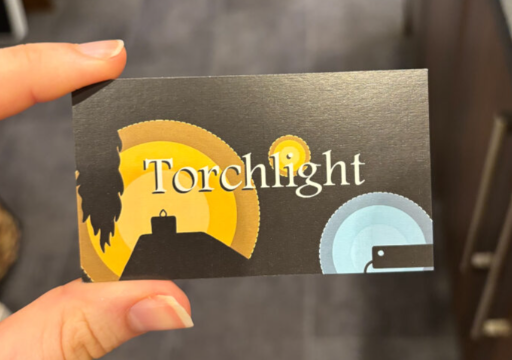
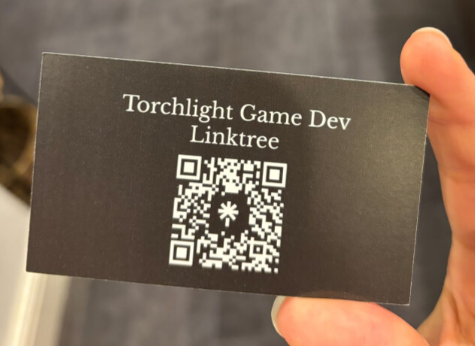
Designing business cards
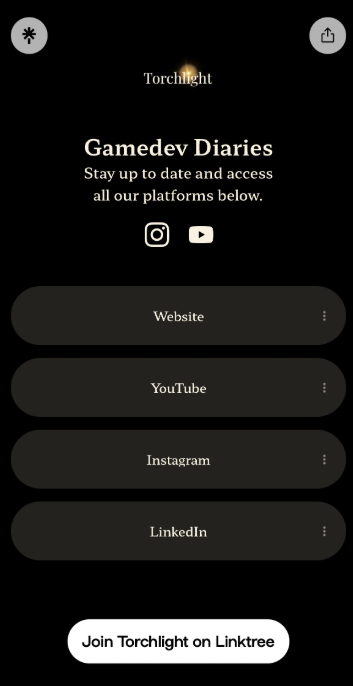
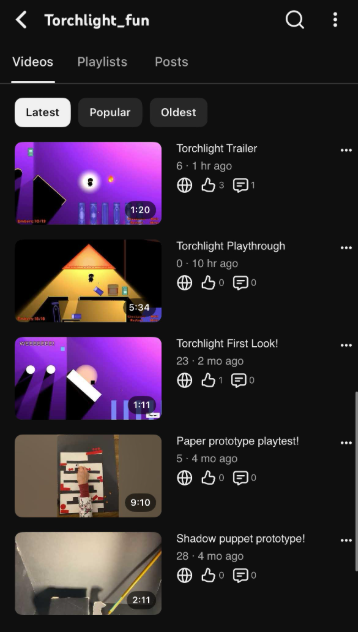
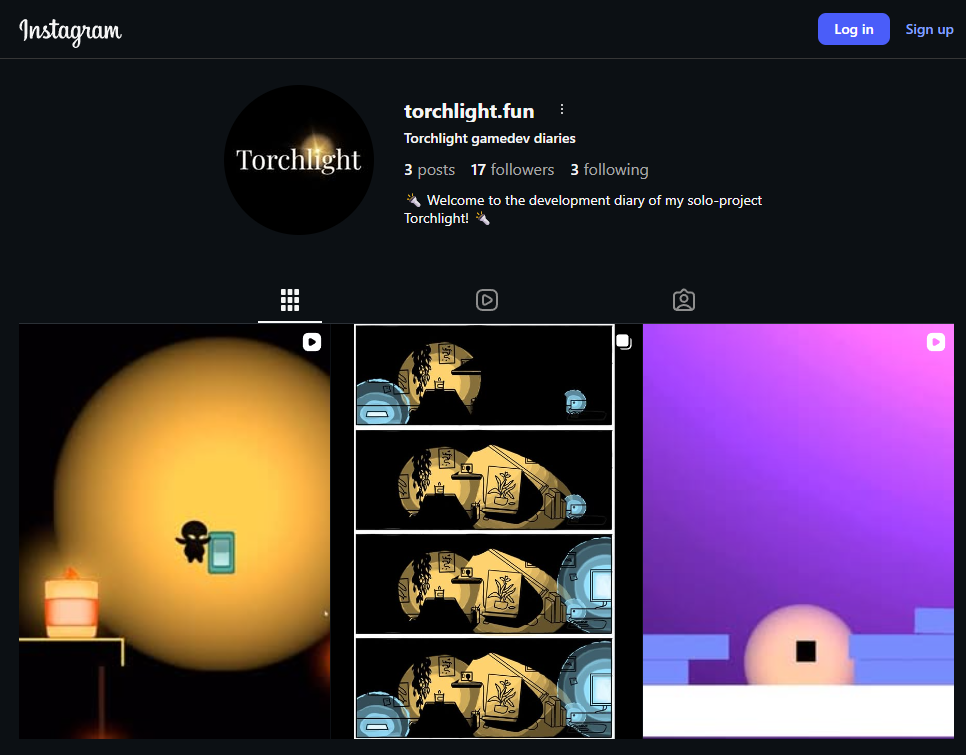
Link tree and social media
·‿︵★︵‿·
Part 4 – User testing
Open day playtest
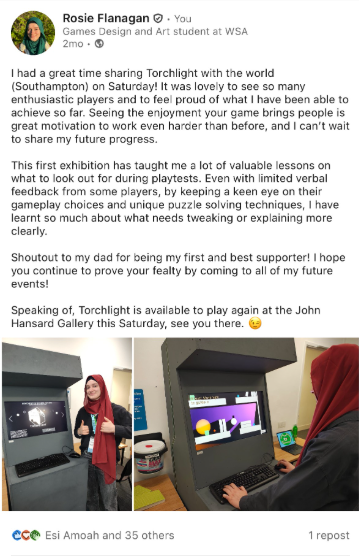
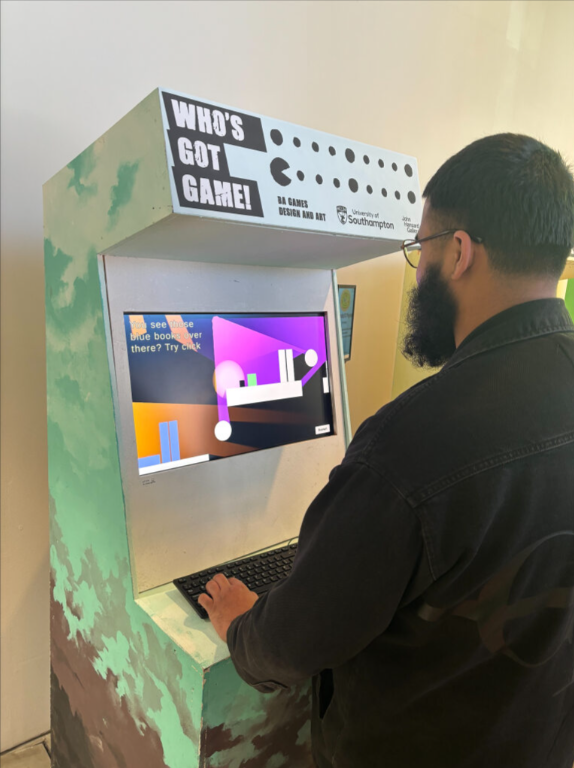
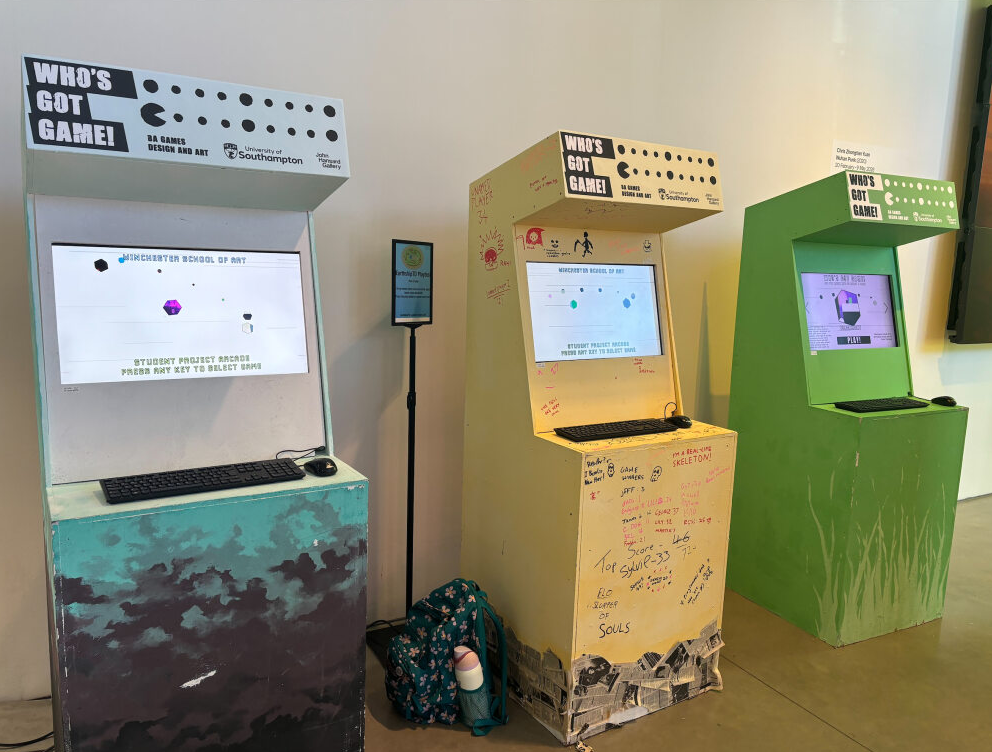
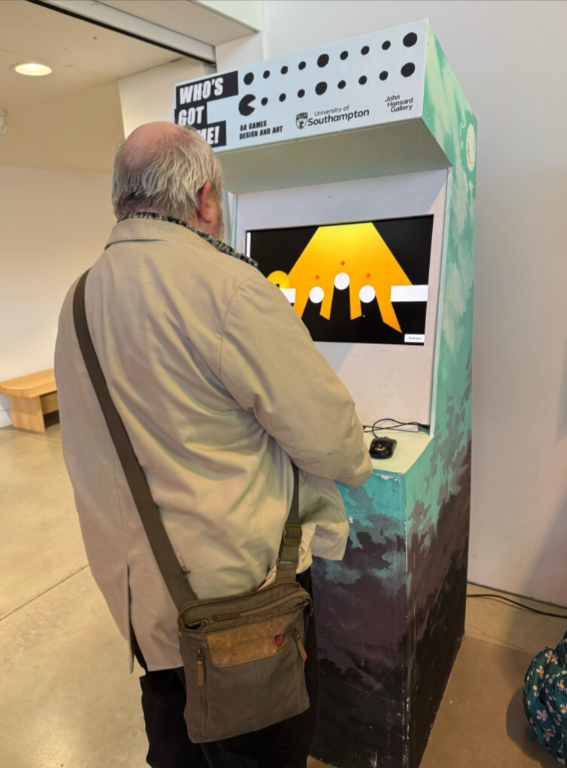
Southampton Science Fair and John Hansard Gallery Exhibitions
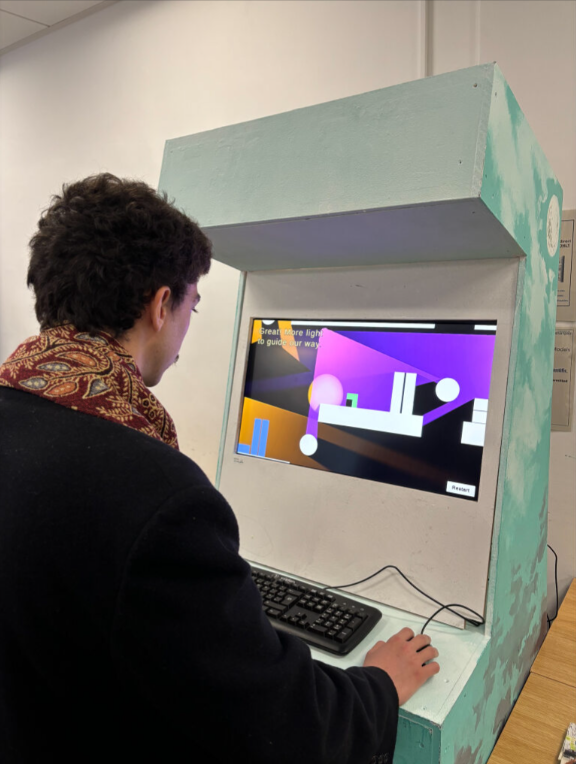
I received a ton of feedback at these events, and did my best to speak to everyone I saw playing my game. I asked them their opinions but also watched to see what choices they made. I took note of bugs, pacing issues or confusing designs to amend later.
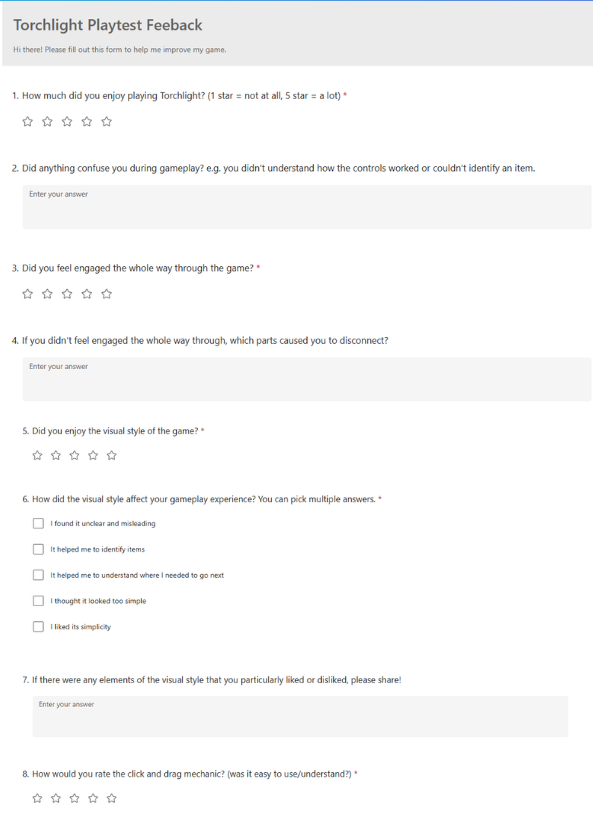
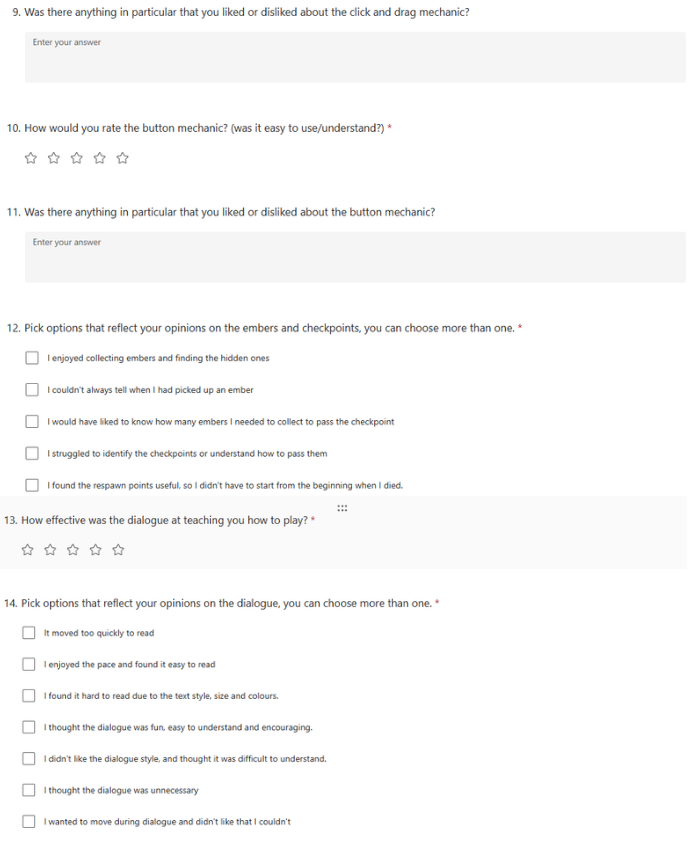
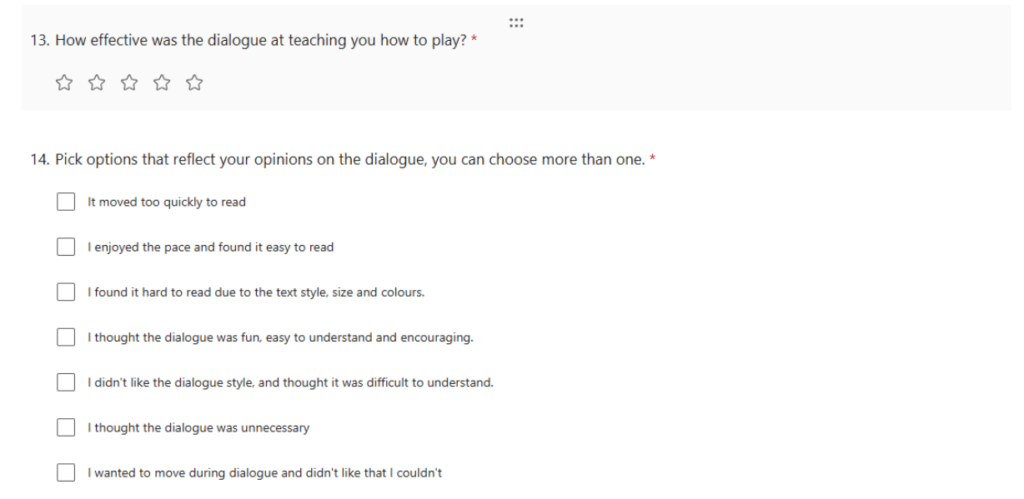
Playtest feedback form
I used this form to gather specific feedback from play testers, but a lot of the time I would ask them about their experience in person and take notes that way.
·‿︵★︵‿·
Part 5 – Tools and skills
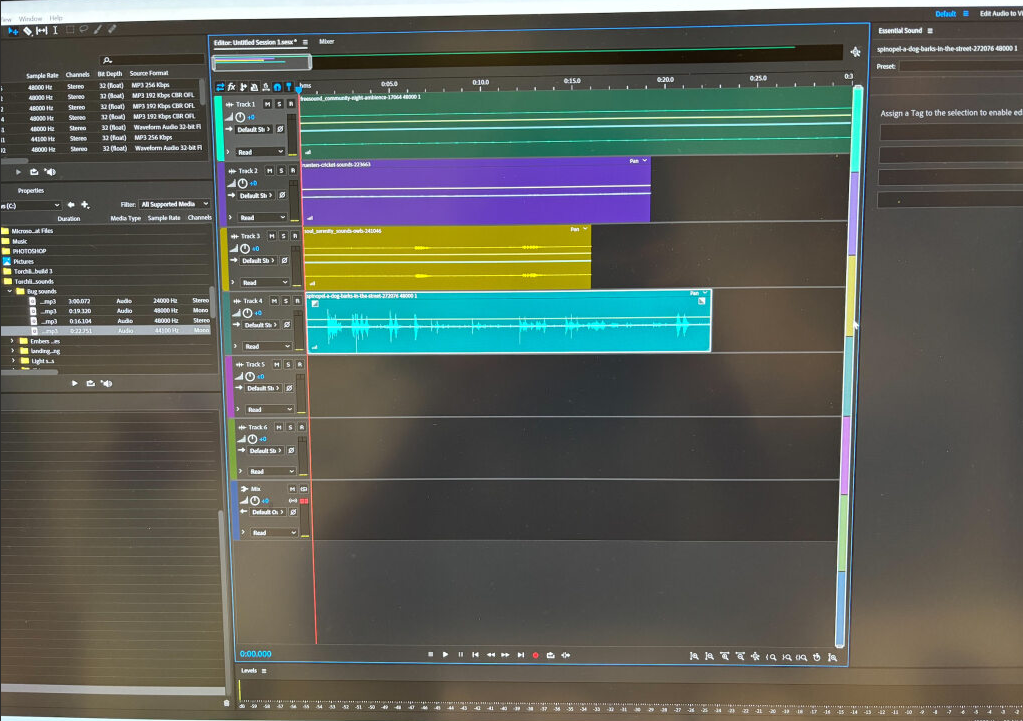
Adobe Audition for tweaking sounds and creating game ambience
I learnt the basics of adobe audition to create the background ambience for the game, as well as editing sounds that were too loud, too quiet, or too grainy.
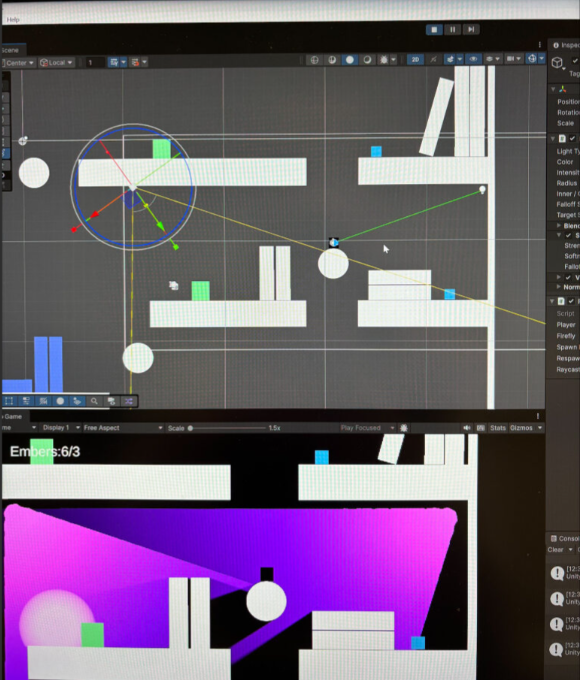
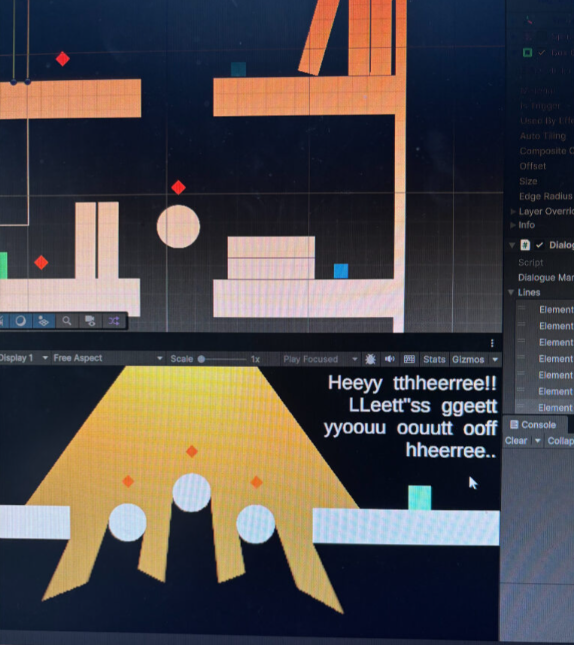
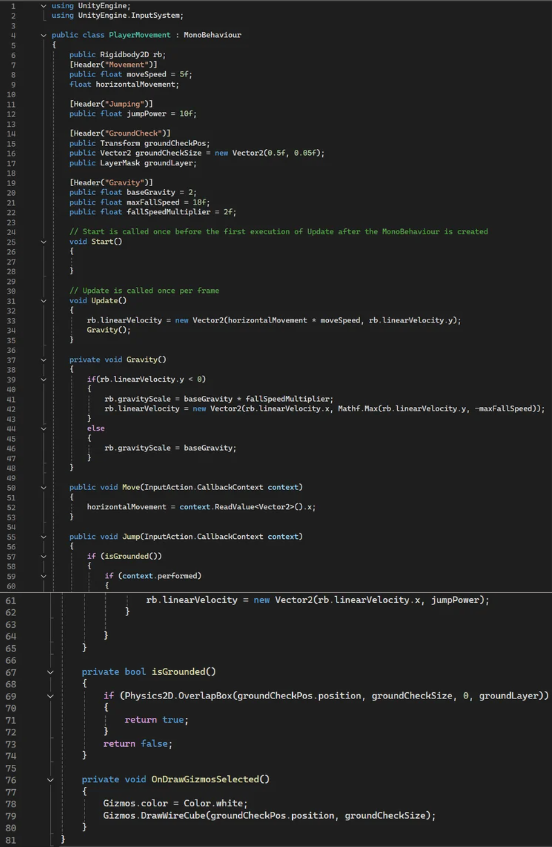
Unity and C-sharp
Before I started working on this project, I had nearly no experience with unity, and found it very daunting. But now I feel really confident using the editor and I’ve also picked up a lot of scripting knowledge that I never thought I’d understand. I am really glad I forced myself to learn this because its been a vital experience for me in understanding how games are made.
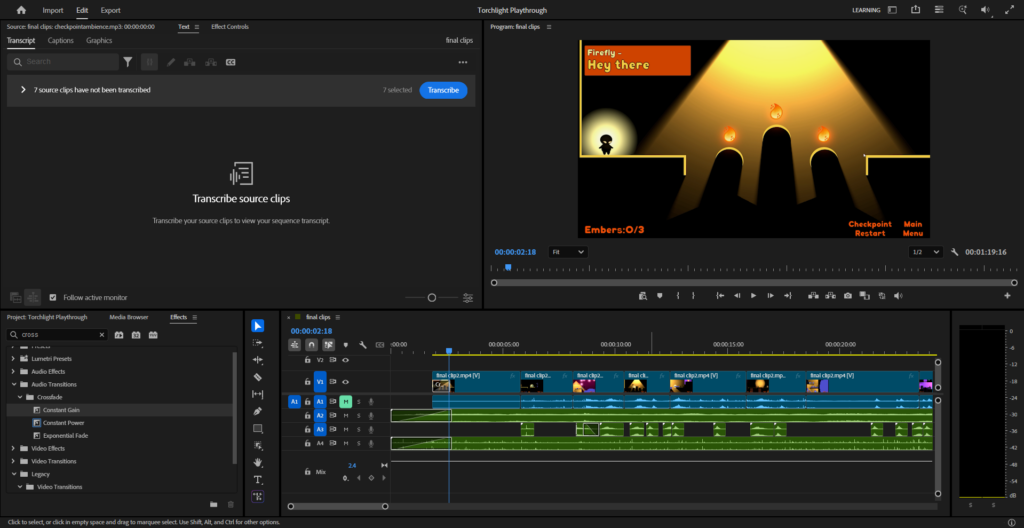
Adobe Premier Pro for video editing and promotional material
I already had some experience with premier pro, but using it in this project has been a good knowledge refresher.
Adobe Photoshop and IbisPaint for sprite and asset design
I made an effort to use photoshop more in my artwork as it is the industry standard application. But I also drew some assets on ibis paint when photoshop iPad didn’t provide the tool I required.
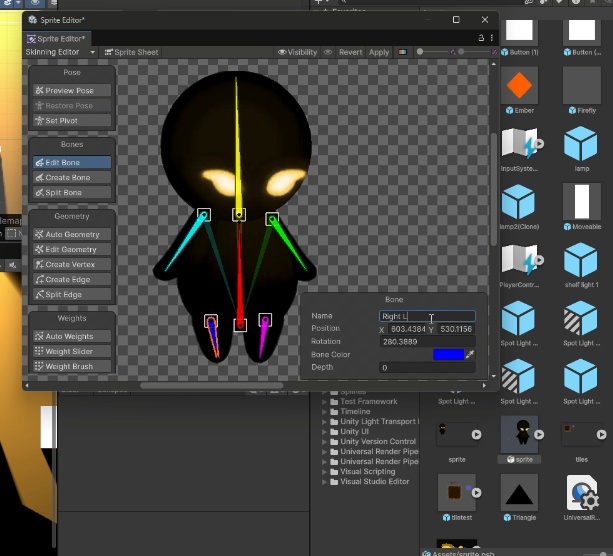
Sprite rigging and animation
This was one of my favourite things to learn. I really enjoyed making the characters movement feel fun, bouncy and airy. After adding animations, movement felt twice as satisfying.
·‿︵★︵‿·
Part 6 – Project review
Overall, I’m really pleased not only with the game I was able to create, but also with the amount of knowledge I have gained while making Torchlight. It has been instrumental in building my confidence with designing games, as well as equipping me with the skills I will need to enter the industry. While I definitely don’t consider myself a programmer, learning how Unity and C-sharp work has helped me to understand how all elements of game design combine, and what is required from each part to create a final product.
There are a few things I would have liked to have done at this stage, but ran out of time to execute. Torchlight was intended to be a mobile game, with a range of setting available to cater to the players preferred experience. Unfortunately, as the solo developer, these are not things I was able to achieve before the deadline. It would also have been nice to add more polish to certain parts, like having embers animate, switches turn on and off, and a better introduction to the firefly. These are all things I plan to work on between now and the degree show, so people can see Torchlight as it was intended to be. I am still proud of the game I was able to create, while certain things had to be cut, the core experience, aesthetic design and vital mechanics are exactly what I wanted torchlight to be. I think it will be a strong portfolio piece and will hopefully show future employers my strengths and flexibility.
Sed ut perspiciatis unde omnis iste natus error sit voluptatem accusantium doloremque laudantium, totam rem aperiam, eaque ipsa quae ab illo inventore veritatis et quasi architecto beatae vitae.












Leave a Reply